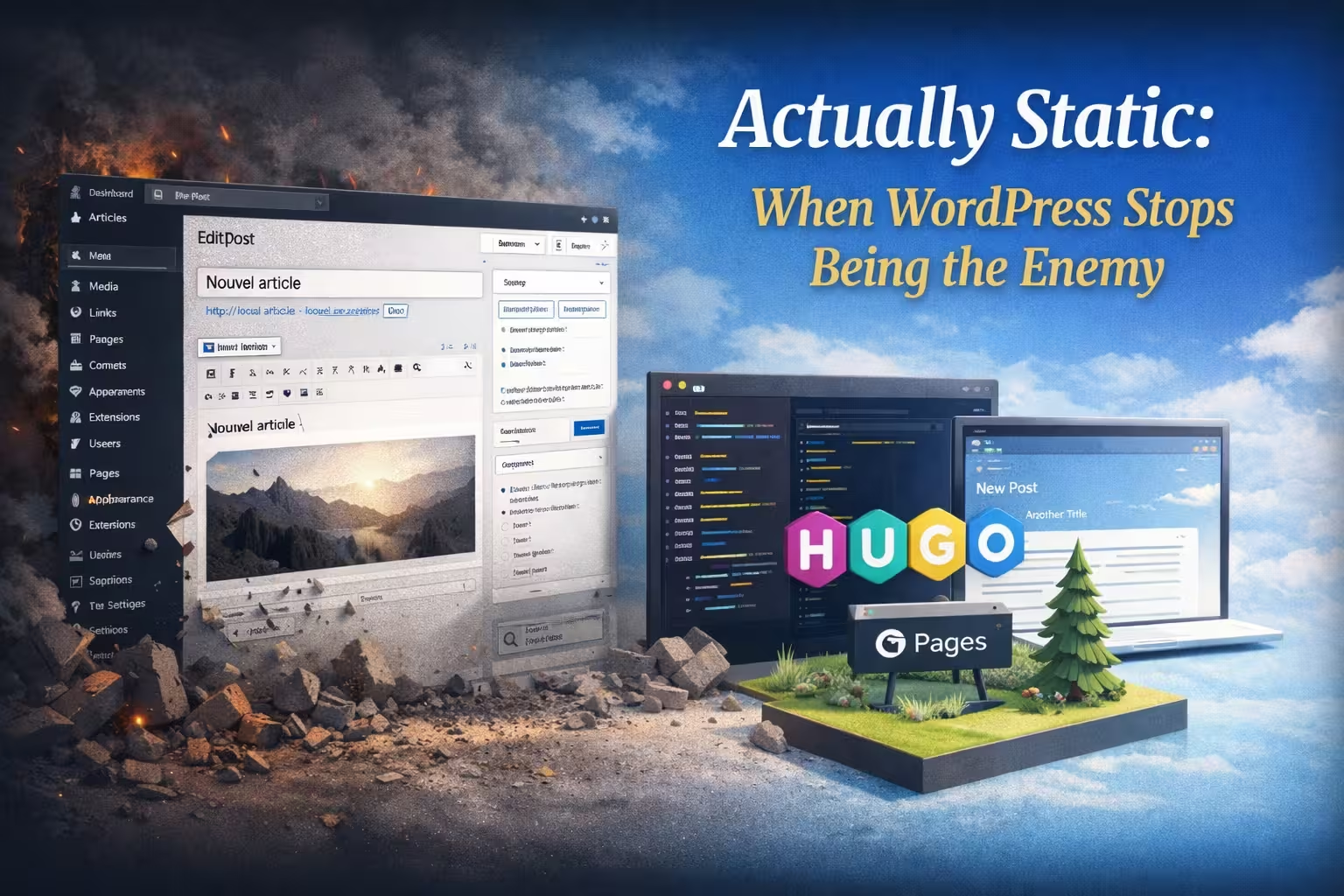
For years, I maintained two separate worlds.
World One: WordPress. Comfortable writing interface, familiar editor, everything just works. But slow page loads, constant security updates, plugin conflicts, and that nagging feeling that I’m running a Boeing 747 to deliver a postcard.
World Two: Static sites. Blazing fast, secure by default, costs pennies to host. But writing in Markdown files, committing to Git, running build commands, debugging deployment pipelines. I spent more time being a DevOps engineer than a writer.
The problem wasn’t technical. The problem was philosophical.
I wanted to write like a human, but deploy like a machine.
The Breaking Point
Last month, I wrote three drafts. Two of them sat in WordPress, unpublished, because deploying to my Hugo site meant:
- Copy content to a Markdown file
- Format the front matter correctly
- Download images from WordPress
- Optimize them (WebP? AVIF? Both?)
- Upload to the right directory
- Commit everything to Git
- Push and wait for CI/CD
- Debug why the featured image didn’t show up
- Fix it, commit again
- Wait again
By step 5, I’d lost interest in publishing.
The Realization
WordPress isn’t the enemy. Hugo isn’t the enemy.
Friction is the enemy.
What if I could write in WordPress and publish to Hugo without thinking about it?
What if hitting “Publish” in WordPress meant:
- Markdown automatically generated
- Images automatically optimized (WebP + AVIF)
- Front matter automatically filled
- Everything committed atomically to GitHub
- Site rebuilt and deployed in seconds
No export. No manual steps. No context switching.
The Result
I’m writing this post in WordPress.
When I click “Publish”, you’ll read it on a static Hugo site hosted on GitHub Pages.
I didn’t copy a single line of Markdown. I didn’t touch Git. I didn’t run any build commands.
I just wrote.
And that’s exactly how it should be.
This post was automatically synced from WordPress to Hugo using the AJC Bridge. The entire workflow — conversion, optimization, commit, and deployment — happened in under 30 seconds.
Want to know how it works? Read the full story: Actually Static: When WordPress Stops Being the Enemy
Technical Details (For the Curious)
If you’re wondering how this works under the hood:
- Writing: Standard WordPress editor (Gutenberg or Classic)
- Conversion: HTML → Markdown with customizable front matter
- Images: Local optimization (AVIF + WebP) before upload
- Deployment: Atomic Git commit via GitHub API
- Build: GitHub Actions triggers Hugo build
- Hosting: GitHub Pages (free, fast, global CDN)
The entire stack costs $0/month and handles thousands of visitors without breaking a sweat.
No WordPress security updates. No plugin conflicts. No performance optimization rabbit holes.
Just writing. Just publishing.
Try It Yourself
Want to see this in action?
- Write a post in the demo WordPress (login:
tester/Github~Challenge/2k26) - Hit “Publish”
- Watch it appear on the live Hugo site in seconds
See the commits: Check out the Hugo repository to see the Markdown files, optimized images, and GitHub Actions workflow in action.
Get the plugin: https://github.com/pcescato/ajc-bridge
The best publishing workflow is the one you don’t notice.
This is mine now.